Screen highlighter app for Mac
Lasso is a screen highlighter app for Mac. Draw a translucent highlight over a line of text, part of a slide or a row in a spreadsheet while the app is open. The text stays readable and your original file stays unchanged.
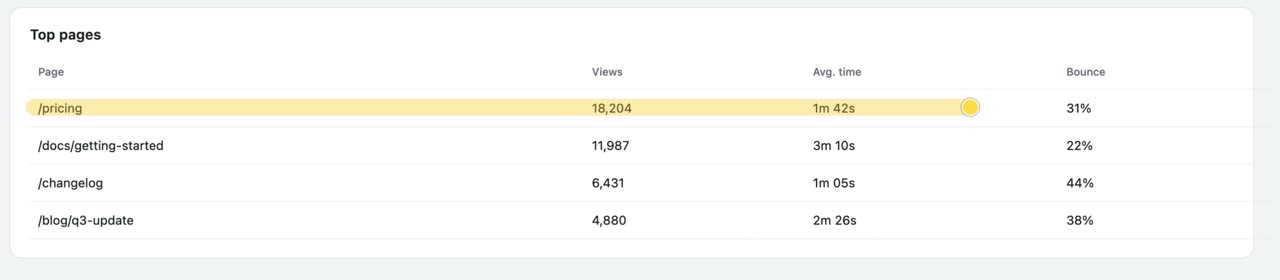
How to highlight part of your screen on a Mac
- Open the slide, web page or app you want to highlight. With Lasso running, press Option–Shift–A (⌥⇧A) to enter drawing mode.
- Press H or choose Highlighter in the toolbar. Drag over the part of the screen you want to mark. Hold Shift while dragging to draw a straight highlight.
- Press Command–Z (⌘Z) to undo the last stroke, or Escape to clear your marks and finish drawing.
Save your screen highlights as a screenshot
While drawing, press S to capture the display or Shift–S (⇧S) to select an area. Lasso includes the highlights in the image, which you can copy, save or drag into a message. Drawing works without Screen Recording permission. Capturing an image requires it.
Mac requirements and price
Lasso runs on macOS 14 Sonoma or later on Apple silicon and Intel Macs. A one-time payment of $9.99 USD including tax gives you lifetime access.